Scores & Workspace
How do I find the music I want to practice—and keep all the work with it?
Find the music. Keep the whole practice with the score.
Explore scores and collections, add music to your repertoire, or bring your own supported score—then mark, loop, play, listen, and return without rebuilding the setup.
The score remembers
Everything around the notes stays in the same place.
A focused passage should carry its markings, loop, piano connection, and playback with it. The workspace keeps those tools beside the score so you can move from noticing to trying without rebuilding the session.
- ExploreBallade Study No. 1Romantic · Advanced
- AddAdd to repertoireKeep the score ready to return to
- OpenOpen scoreStart with any passage
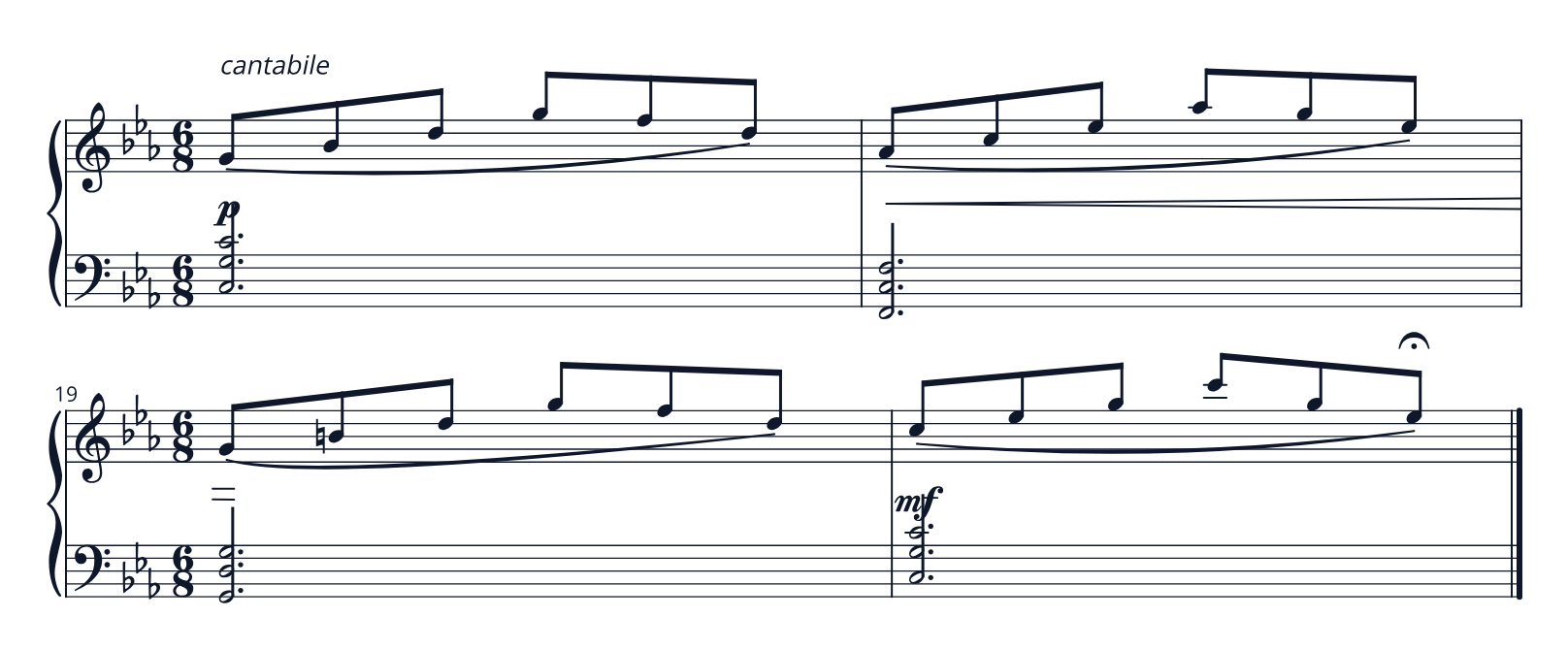
Your markings stay with the passage, even when the score layout changes.
Return to the same working range without losing the score position.
Your playing stays connected while the active range and recent practice remain visible.
Open the recent take from this passage whenever you are ready to listen.
Your markings stay with the passage, even when the score layout changes.
Touch and pedal preserved · Loop · Measures 17–20 · 50 BPM
Choose the listening sound without leaving the score workspace.
Score position and the recent practice take remain visible together.
Listen back from the marked range without leaving the score.
How it works
A working score, from first mark to final listen.
Virtu keeps the actions around a passage in one visible sequence, so the next attempt starts with the context you just created.
- 01Discover
Find a score or collection in Explore
Browse music in Virtu and see what you want to practice before setting up a session.
- 02Add
Keep it in your repertoire—or bring your own
Place a score in your repertoire, or add music you already practice in a supported format.
- 03Practice
Open any passage and make it yours
Mark, loop, listen, and choose the tempo while the score stays at the center of the session.
- 04Return
Keep recent work with the music
Come back to the same score with its feedback, practice take, and next step ready to continue.
Built into the flow
Tools that stay attached to the music.
The score workspace brings the practical details of a session together without asking you to maintain a second set of notes.
Explore scores and collections
Find music in Virtu and choose what to add to your repertoire.
Repertoire library
Keep the scores you want to practice together and ready to return to.
Bring your own supported score
Add music you already practice alongside the scores you find in Explore.
Score-bound markings
Keeps annotations attached through supported score layout and presentation changes.
Pen and layer controls
Preserves pressure, erasing, text, and separate annotation layers.
Loops and playback ranges
Turns any useful passage into a focused listening or playing window.
Supported piano connection
Connect your piano for live score-linked feedback when you are ready to play.
Basic playback
Listen back to the score and your practice with basic playback.
Offline-ready workspace
Keeps scores, markings, and recent practice ready when the connection is not.
Cloud save, continuity, and sharing
Backs up supported practice data, restores it after reinstall or on another device, and lets you share selected practice takes.
Play through Virtu
Play through Virtu with the piano sound you choose.
Premium piano sound
Listen back with the premium piano sound you choose.
Piano practice that remembers
Let the score carry the session.
Open the music, make the mark, and keep the next useful step beside the notes.